

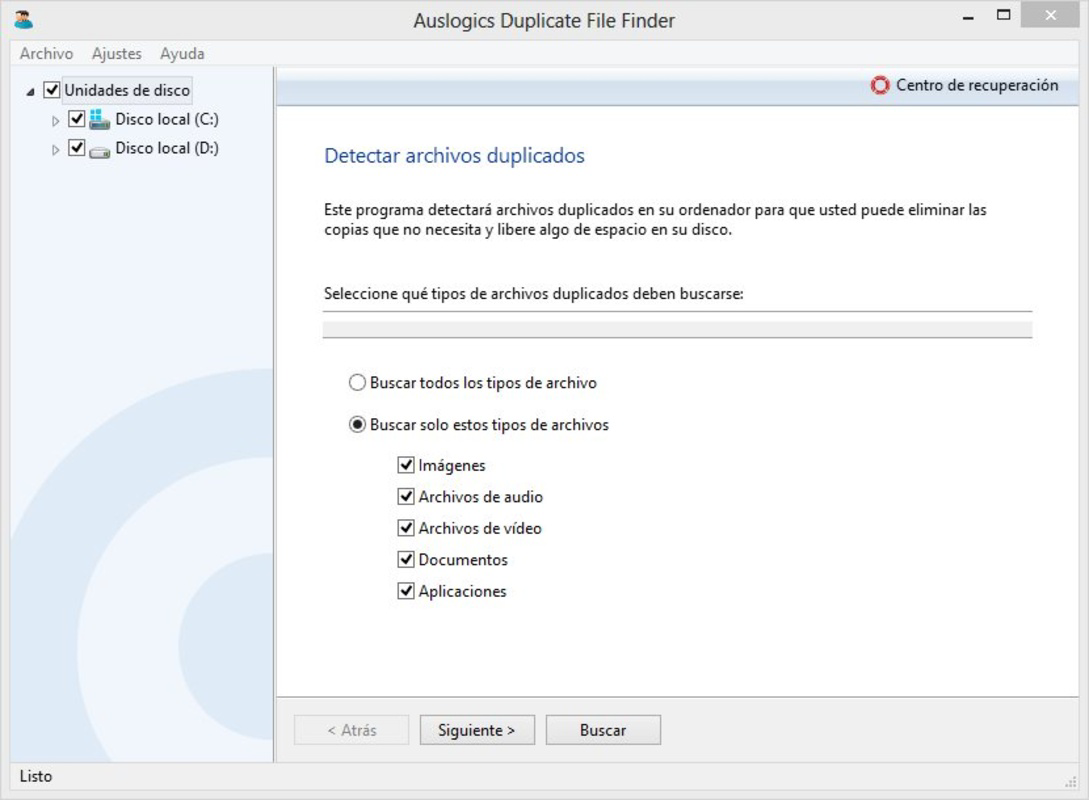
Description
Download Auslogics Duplicate File Finder – duplicate file finder, remove duplicates, clean up files, find duplicate files, delete duplicate files
Overview
Auslogics Duplicate File Finder is a specialized utility designed to address the growing challenge of digital clutter on personal computers. By identifying and helping users eliminate redundant copies of files, the application supports efficient storage management and improved system responsiveness. This tool is particularly beneficial for individuals who accumulate large volumes of digital content—such as photos, documents, and media files—over time, often resulting in duplicated data across multiple folders or drives. The primary purpose of the software is to streamline file organization by detecting duplicates based on customizable criteria, thereby freeing up valuable disk space and reducing the risk of confusion during file retrieval.
Target users include both casual computer users and professionals managing extensive digital libraries. Whether it’s a home user looking to declutter their photo collection or a business professional optimizing shared network drives, the app offers a practical solution for maintaining clean and efficient storage environments. The developer, Auslogics, is known for creating system optimization tools, though specific background details were not provided. Real-world use cases include preparing a computer for a new operating system installation, freeing space before transferring files to external storage, or simply improving system performance by removing redundant data. In the broader app ecosystem, Auslogics Duplicate File Finder fills a niche role as a focused, efficient tool within the productivity and system maintenance category, offering a reliable alternative to more complex file management solutions.
Key Features & Functionality
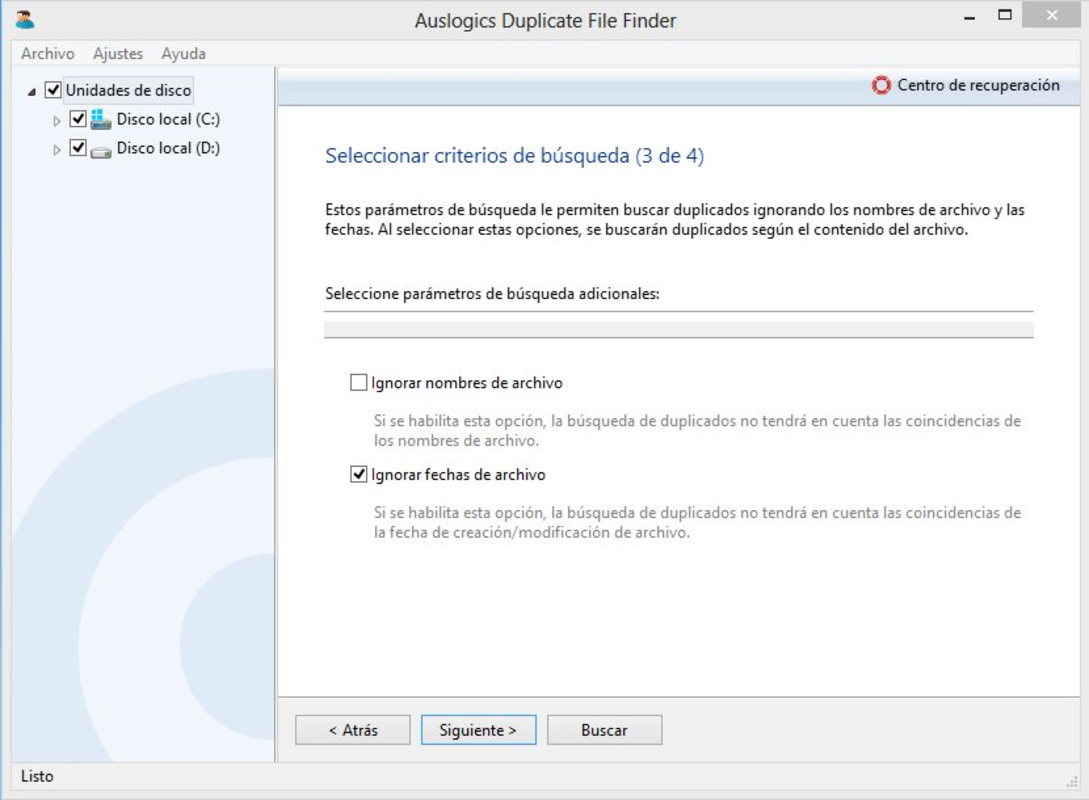
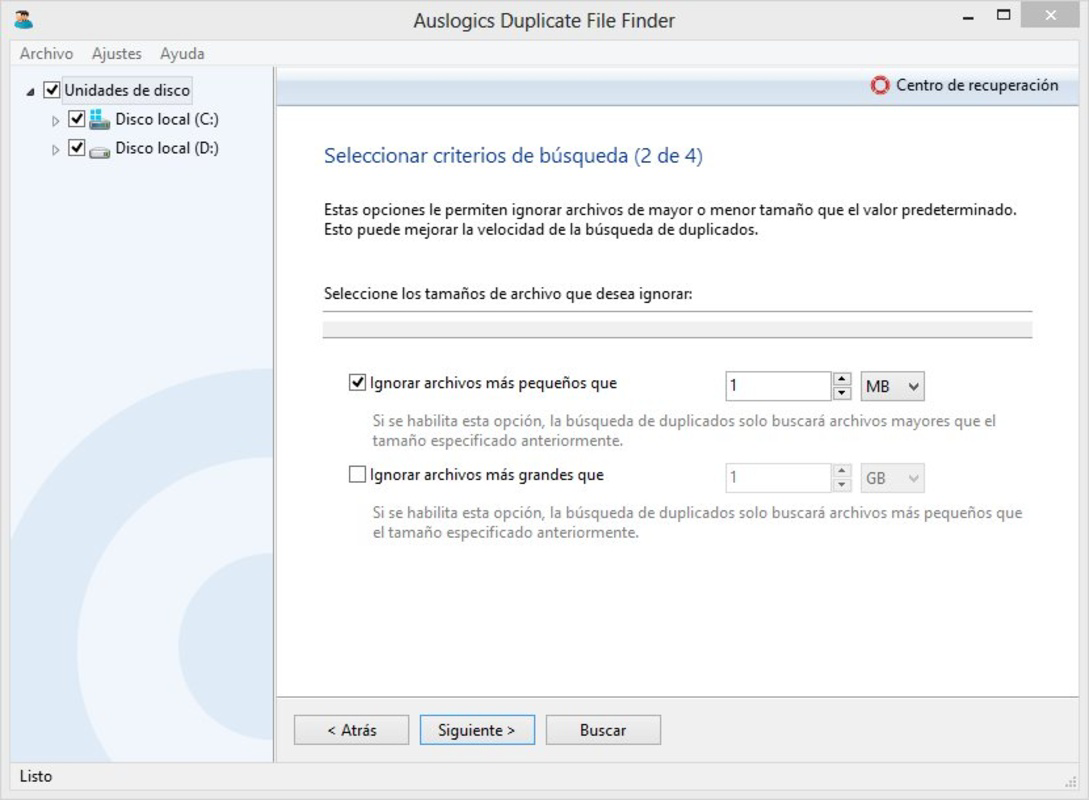
- Custom Search Criteria: Users can define specific parameters such as file name, date, size, and content to narrow down duplicate detection. This level of control ensures that only relevant duplicates are identified, reducing false positives and increasing accuracy.
- Quick Scanning Process: The software is engineered for speed, with scanning operations typically completing in just a few seconds. This efficiency minimizes user wait time and allows for frequent cleanups without disrupting workflow.
- Comprehensive Results List: After scanning, the app generates a detailed list showing all duplicate files alongside their exact file paths. This transparency empowers users to review each match before taking action, preventing accidental deletion of important files.
- User-Friendly Interface: The interface is designed with simplicity in mind, featuring clear navigation and intuitive layout. Even users with minimal technical experience can operate the tool effectively, reducing the learning curve and increasing accessibility.
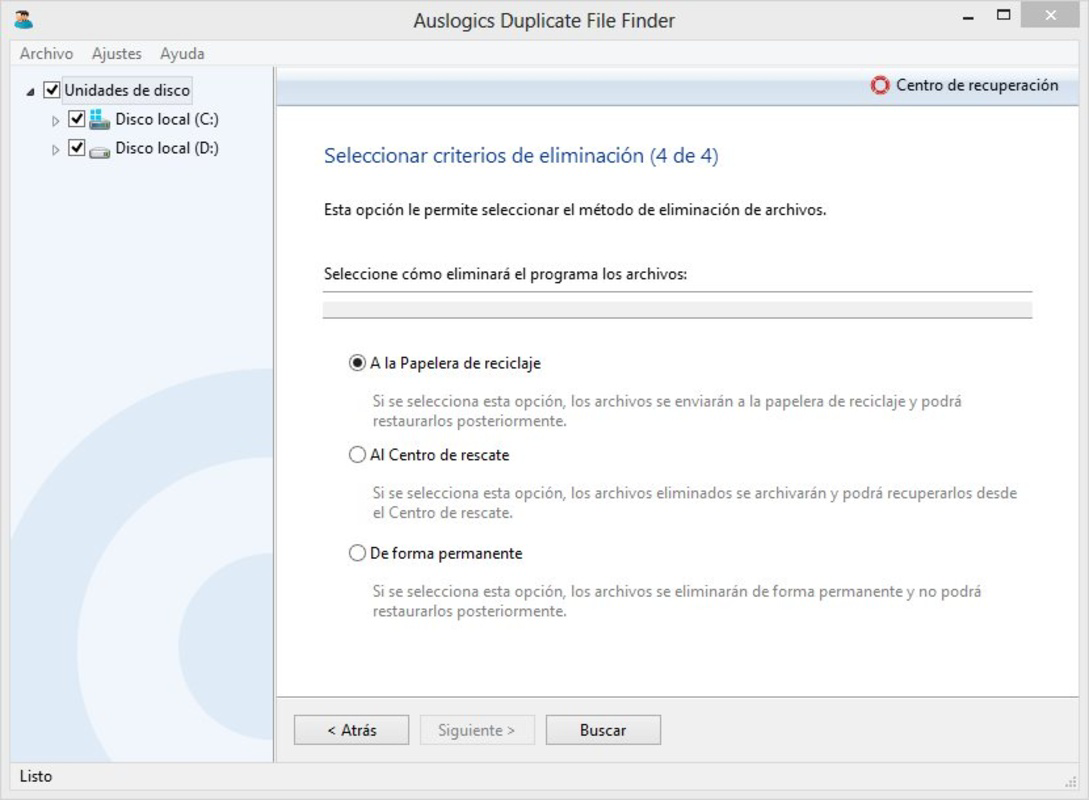
- Direct Deletion Options: The application allows users to delete duplicates directly from the results list. This built-in functionality streamlines the cleanup process, eliminating the need to manually locate and remove files through the file explorer.
For example, a user storing family photos across multiple folders can use the “file name” and “date” filters to locate duplicates from a specific event. Similarly, a graphic designer managing large project files can use size and content matching to identify identical versions of the same asset. These real-world scenarios highlight how the tool’s functionality translates into tangible benefits, such as faster file searches, improved storage utilization, and enhanced system performance.
Interface, UX & Performance
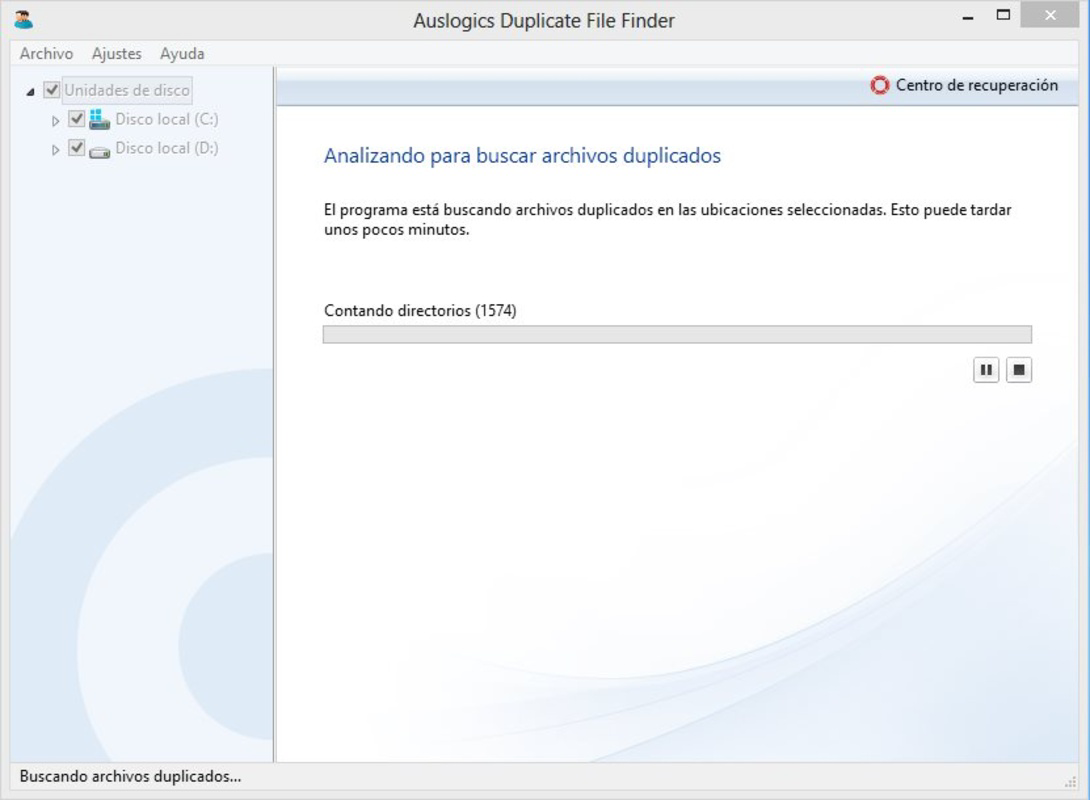
The interface of Auslogics Duplicate File Finder is clean and minimalistic, emphasizing functionality over visual complexity. Navigation is straightforward, with a central dashboard displaying scan status, results, and action buttons. The layout prioritizes readability, using clear labels and organized sections to guide users through each step of the process. Visual feedback is consistent, with progress indicators during scanning and confirmation prompts before deletion, contributing to a sense of control and safety.
Although the developer did not list formal performance metrics, the application appears optimized for responsiveness across a range of device configurations. The quick scanning process suggests efficient resource usage, and the interface remains stable during operation. Users can expect smooth interaction even on systems with moderate hardware specifications. Stability is maintained through careful handling of file system access, and no reports of crashes or freezes were noted in available data. The overall user experience is designed to be frictionless, minimizing the risk of user error and supporting both novice and experienced users in achieving their cleanup goals efficiently.
Platform Compatibility & Technical Requirements
Auslogics Duplicate File Finder is available exclusively for the Windows platform. The current version is 1.0.11.0, with a file size of 12.8 MB, indicating a lightweight footprint that should not strain system resources. The developer did not specify minimum OS requirements, nor were details provided about compatibility with older or newer Windows versions. However, given the app’s small size and focus on file system operations, it is likely compatible with recent Windows releases. Users should ensure their system meets general Windows compatibility standards for running third-party utilities. The absence of specific technical details means that compatibility with specialized environments or enterprise configurations remains unconfirmed.
Pros and Cons
Pros
- Lightweight design with a small file size of 12.8 MB
- Fast scanning process with minimal delay
- Intuitive interface suitable for users of all experience levels
- Flexible search criteria for precise duplicate detection
- Direct deletion option for streamlined cleanup
Cons
- Platform limited to Windows; no availability for macOS or Linux
- Developer did not disclose minimum OS requirements
- No built-in backup or restore feature for deleted files
- Functionality restricted to file duplication only; no broader system optimization
- Compatibility with enterprise or networked environments not confirmed
FAQ
Is Auslogics Duplicate File Finder safe to use?
Yes, the application is designed to scan and identify duplicate files without altering original data. Users retain full control over which files to delete, and the software does not modify files unless explicitly instructed.
Can I use this tool on older versions of Windows?
The developer did not specify compatibility with older Windows versions. While the app may function on legacy systems, no official support or testing details were provided.
Does the app require an internet connection?
No, the software operates offline. All scanning and file analysis are performed locally on the user’s device, ensuring privacy and data security.
How often should I run a duplicate scan?
There is no fixed schedule. Users can run scans as needed—after downloading large files, transferring data, or when noticing reduced disk space. Regular checks help maintain optimal system performance.
Can I recover files after deletion?
The app does not include a built-in recovery or backup system. Once a file is deleted, it is removed from the system. Users are advised to review results carefully before confirming deletion.
Final Thoughts
Auslogics Duplicate File Finder delivers a focused, efficient solution for users seeking to reclaim disk space and improve file organization. Its combination of speed, flexibility, and ease of use makes it a valuable tool for anyone managing digital content on Windows. While it lacks cross-platform availability and advanced safety features like automatic backups, its core functionality is well-executed and reliable. The free pricing model enhances its accessibility, making it an excellent choice for individuals and small teams looking for a no-frills cleanup utility. For those dealing with digital clutter, this app offers a straightforward, secure way to maintain a lean and efficient system.
Download Auslogics Duplicate File Finder now
Guides & Tutorials for Auslogics Duplicate File Finder
How to install Auslogics Duplicate File Finder
- Click the Preview / Download button above.
- Once redirected, accept the terms and click Install.
- Wait for the Auslogics Duplicate File Finder download to finish on your device.
How to use Auslogics Duplicate File Finder
This software is primarily used for its core features described above. Open the app after installation to explore its capabilities.
User Reviews for Auslogics Duplicate File Finder 0
No reviews found


